Skip to content

♖ a1 · The edge

The little tools Windows forgot.

Compress a file, convert an image, find what you copied, change the song: right on the edge of your Windows 11 screen. Your files never leave your PC, and it never gets in your way.

€7.99 once, refunded in one click for 14 days

1. e4 · The film

îlot, mid-game.

Seventy seconds, every move. Turn the sound up.

a · Meet îlot.

What's inside

Everything you use, on the edge of your screen.

Widgets to glance, shortcuts to act, tools to make. Add only what you use.

ToolCompressLighter photos and videos, at the size you pick. On your PC.
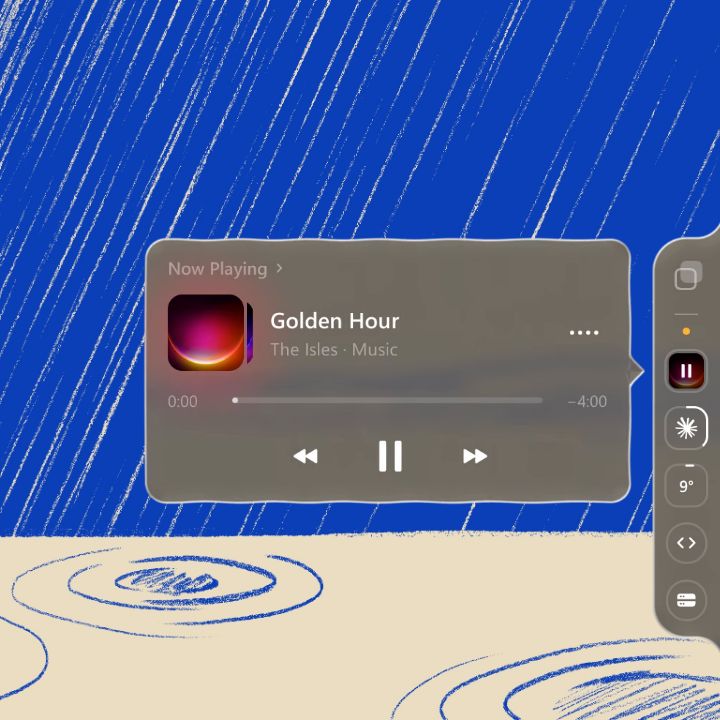
WidgetNow PlayingYour music on the edge of the screen, from any app.
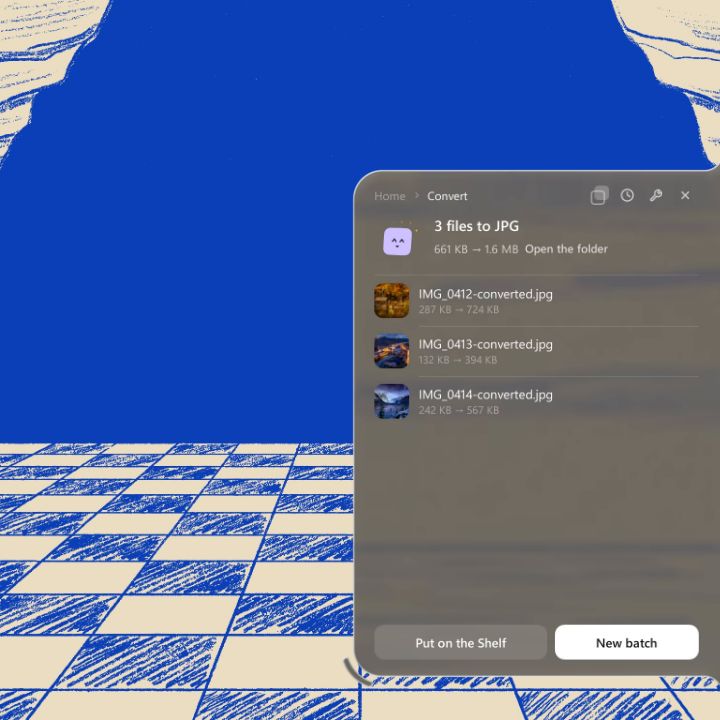
ToolConvertiPhone photos to JPG, without uploading them.
ShortcutCodeYour projects, opened with your AI in one click.
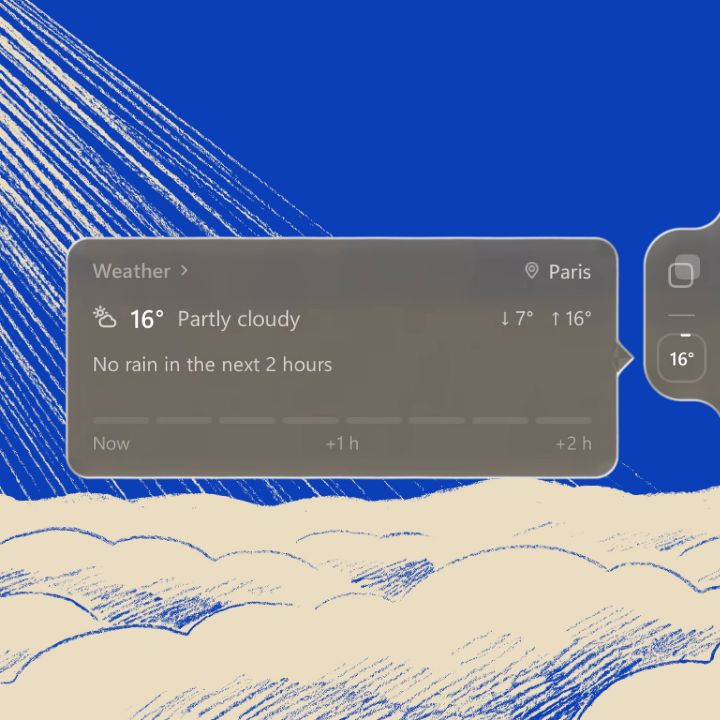
WidgetWeatherRain in the next two hours, at a glance.
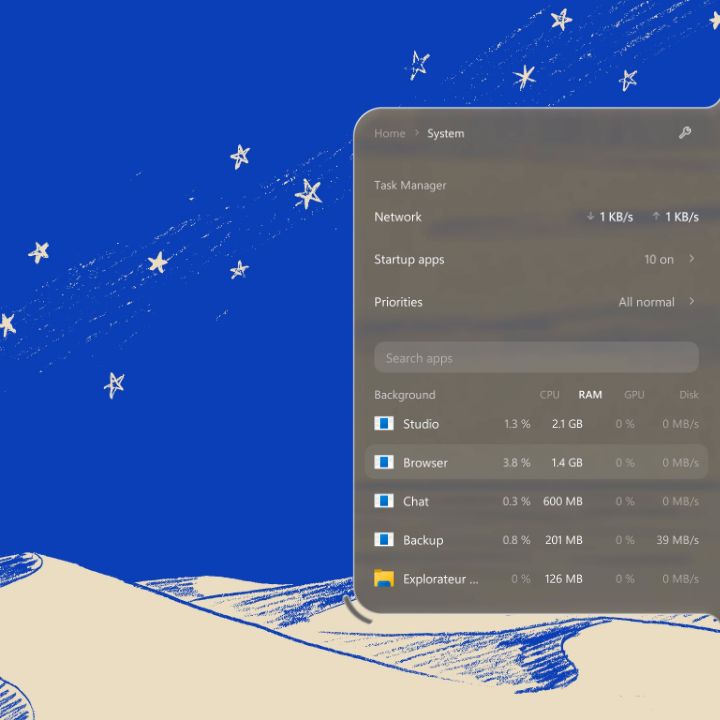
WidgetSystemWhat is using your processor, your memory, your disk.
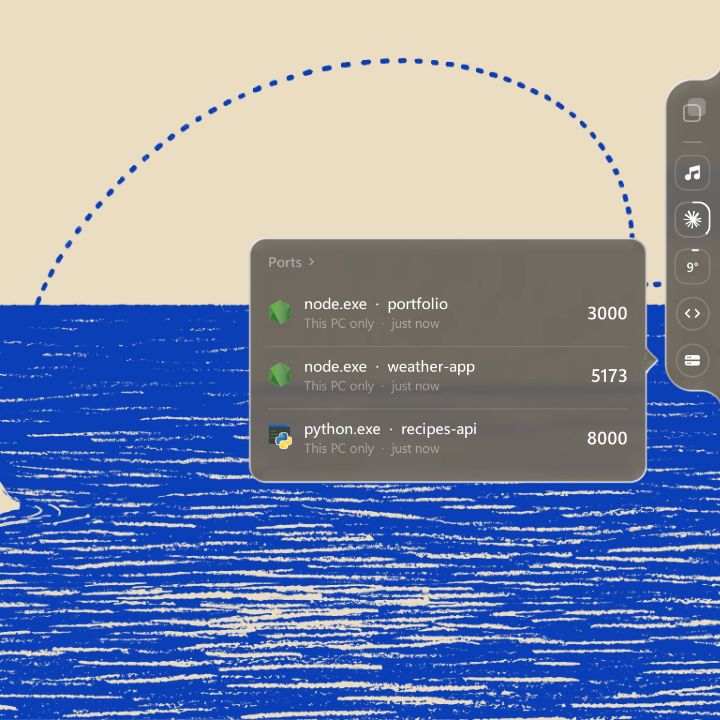
ShortcutPortsEvery port by project, freed in one click.

And more all the time.See every item

♙ e2–e4 · The quiet move

It won't slow your PC down.

îlot sleeps until something changes: a song, a volume, a file you drop. The rest of the time it does nothing at all. And what you don't add never runs.

The notch closed on the edge of a screen at night; as the page scrolls it opens, then closes again.

N@f3 · The Shelf

What you drop or copy waits at the edge.

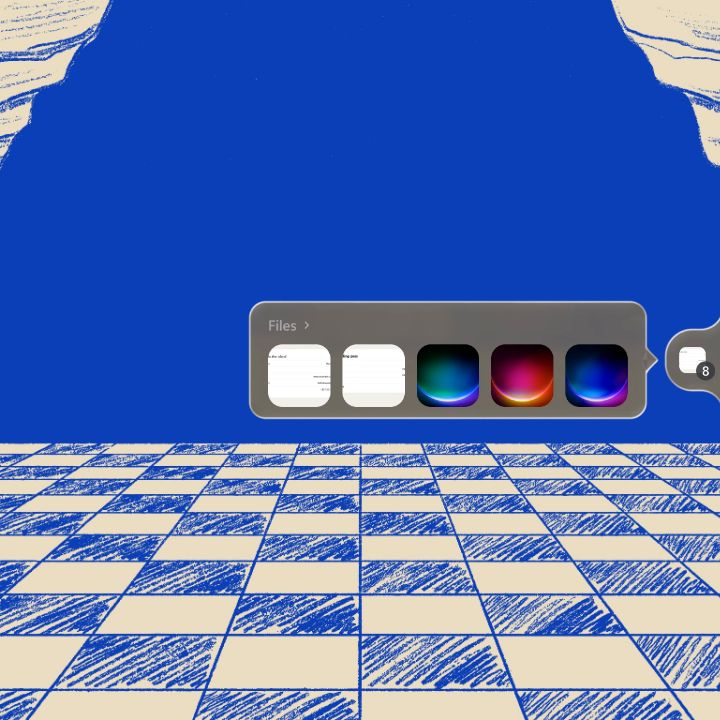
Files in transit and everything you copied, always first when the notch opens. Drop a file there and pick it up later, find something you copied an hour ago, take the text out of a screenshot.

Shelf

Drop it now. Take it later.

Drop files on the notch and they wait there, sorted like a gallery. Pick them up later: drag them out to a folder, a browser or a chat, or send them to a tool. The files never move: the Shelf only keeps a link to them.

Drop files on the notch.
Your latest files, one hover away.

Clipboard

Every copy, one tap away.

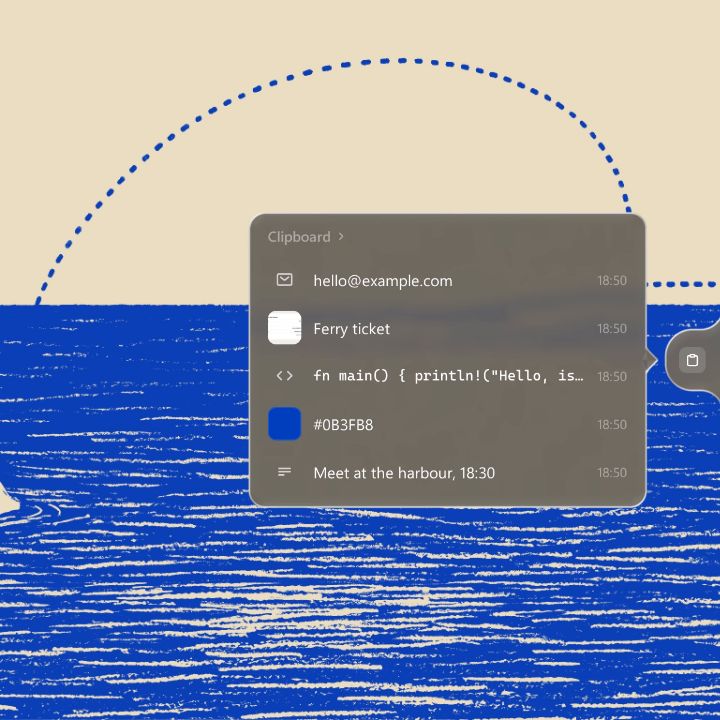
Everything you copy stays a while: links, notes, colours, code, screenshots. Tap one to paste it back, or press Win + Alt + V from any app. Search them, even the text inside images, and take the words out of any screenshot.

Take the text out of any image.
Your last copies, one hover away.

Everything the Shelf does

♘ g1–f3 · The jump

Top, bottom, left, right.

It sits where your hand already is, and moves the way you do.

Or, wherever you are: WinAltSpace

The notch in the top right corner of a wide screen and on the left edge of a tall one, its other places faint: corners, edges, top and bottom.
  • Drag it along any edge, on any screen.
  • Click to open, Escape to close.
  • Rest on a round to see what it holds.

The scoresheet

Stop uploading your files to random websites.

Compressing a PDF, changing an image's format, making a file smaller to send it: you used to look for a website, upload, wait, and hope. With îlot it happens on your PC, in a second, and your files never leave it.

A website

  1. 1.Upload your file
  2. 2.A daily limit
  3. 3.Wait in the queue
  4. 4.Ads before the download

îlot

  1. 1.Drop it on the island
  2. 2.No limit
  3. 3.Done in a second
  4. 4.It never left your PC

Resultîlot wins

♕ d1 · The piece that does everything

Widgets, shortcuts and tools, in one place.

Add only what you use, from a gallery that keeps growing.

Long-press to reorder.

The real notch arranged: a round carried in the closed notch, then, with the pen, Convert and the AI Usage card moved to the top.

O-O · Roque · Privacy

Your desk stays yours.

  • Your files never leave your PC. Every tool works locally.
  • No account to create. Your key arrives by email.
  • Online only when it has to be: when an item needs it, like Weather, and once a week to check your key.
  • A dot when an app uses your microphone or camera, and its name.

Pay once. It's yours.

No subscription. Every tool, today's and tomorrow's.

€7.99once

14 days to change your mind: refunded in one click

  • Every new item and every update included
  • All local, no limits
  • One key for one PC

Sold by Lemon Squeezy, our reseller. Your key arrives by email, no account needed.

Questions people ask

What is îlot?
A small island of glass on the edge of your Windows screen. It holds your music, your sound, your devices and the little tools you use every day, like compressing or converting a file.
Does Windows 11 have a Dynamic Island?
No. îlot brings the idea to Windows, on any edge of the screen. Dynamic Island is a trademark of Apple Inc. îlot is not affiliated with Apple.
Will it slow my PC down?
No. îlot does nothing until something changes, and an item you don't add never runs.
Do my files get uploaded anywhere?
No. Every tool works on your PC. Your files never leave it.
Is there a free version?
No. îlot costs €7.99, once. If it is not for you, you are refunded in one click within 14 days.
Is it safe to install?
Yes. îlot is distributed through the Microsoft Store, signed and checked by Microsoft.
Can it replace online PDF websites?
For compressing and converting files, yes, without uploads, daily limits or ads. More PDF tools are on the way.
Does it work offline?
Yes. Every tool works without internet. îlot checks your key once a week when you are online, and goes online only for the items that need it, like Weather, once you add them.
Does it work with several screens?
Yes. Put îlot on the edge of the screen you want, and move it whenever you like.
Do I need an account?
No. Your key arrives by email, and that email is all you need to find it again.
Can I move it to a new PC?
Yes. One key works on one PC at a time. Moving to a new PC frees the old one in one click.
Which Windows versions does it run on?
Windows 11, 64-bit.
How often do new tools arrive?
Regularly. Every new item is included in the price you paid once.
What about updates?
Updates are free, and they arrive on their own.
I come from a Mac. Will I feel at home?
Probably. If you liked an island on your Mac, îlot is the same idea on Windows, with tools on top.

1–0 · Your move

Your move.

€7.99, once. Changed your mind? Refunded in one click for 14 days.