Now Playing
Your music on the edge of the screen, from any app.
Every app playing something, in one place: the track, the artwork, the timeline and the controls. Set an app's own volume, mute it, or send its sound to another output.
Works offline

10 items · and more all the time
Add only what you use from the gallery. New items come with the updates, included in your licence.
♗ c1–h6
Live information at a glance, on the edge of your screen.

Your music on the edge of the screen, from any app.
Every app playing something, in one place: the track, the artwork, the timeline and the controls. Set an app's own volume, mute it, or send its sound to another output.
Works offline
Your output and every app's volume, Windows 7 style.
Where your PC plays, how loud, and every app making sound. Pick the output and set each app's volume, like the sound panel of Windows 7, at hand.
Works offline

Your devices and their battery, at a glance.
Your paired devices at a glance: which are connected and how much battery they have left. Connect a headset without opening the settings.
Works offline

What is using your processor, your memory, your disk.
A simpler Task Manager: what is wrong right now first, the numbers after. Close or restart an app, set its priority, see what fills your drives and clean it up.
Works offline

Your AI tools' limits and sessions, live.
The AI tools on this PC: how much of each one's limits you have used, and what their sessions are doing: running, waiting for you, or done.
Goes online for its data, only once you add it

Rain in the next two hours, at a glance.
The temperature and the sky on the edge of your screen, rain in the next two hours, the day and the week, official alerts and the rain radar. Where you are, or any city.
Goes online for its data, only once you add it

♘ g1–f3
One tap and it's done.

Your projects, opened with your AI in one click.
Your AI's command line, started in a terminal in any project on this PC. Find a project with a few letters, pick the AI and the terminal.
Works offline

Every port by project, freed in one click.
What listens on each port, grouped by project, and its process stopped in one tap. No more netstat and taskkill.
Works offline

♖ a1
Little apps that replace a website, on your PC.

Lighter photos and videos, at the size you pick. On your PC.
Images, PDFs, Office files, videos and audio made smaller on your PC. Pick a target size; nothing is sent anywhere.
Works offline

iPhone photos to JPG, without uploading them.
A file to another format, only to the formats that work for it: HEIC to JPG, images to PDF, a video's sound to MP3. No size limit, no account, nothing uploaded.
Works offline

♕ d1
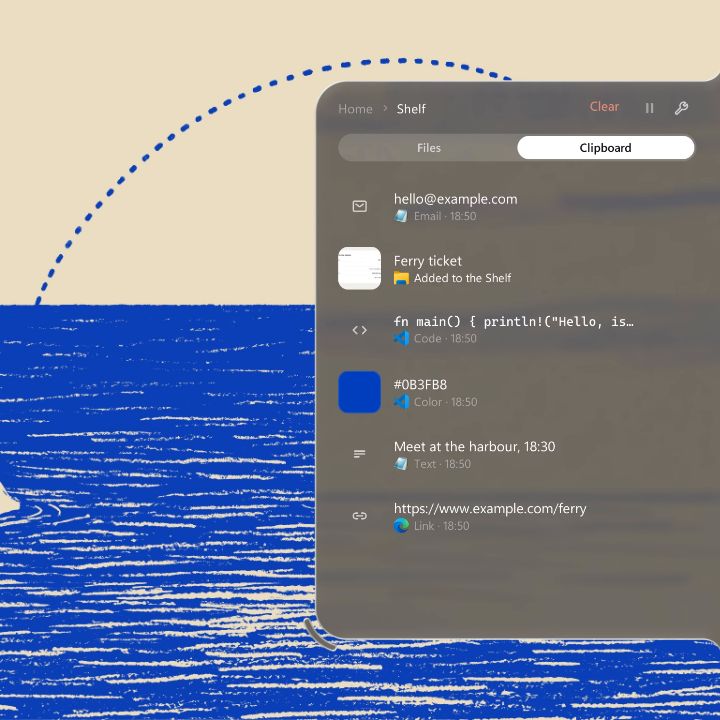
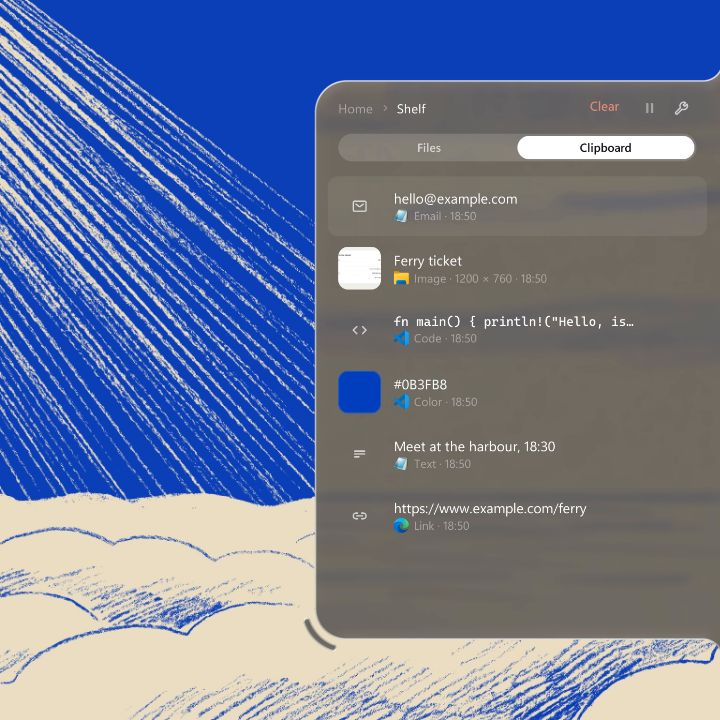
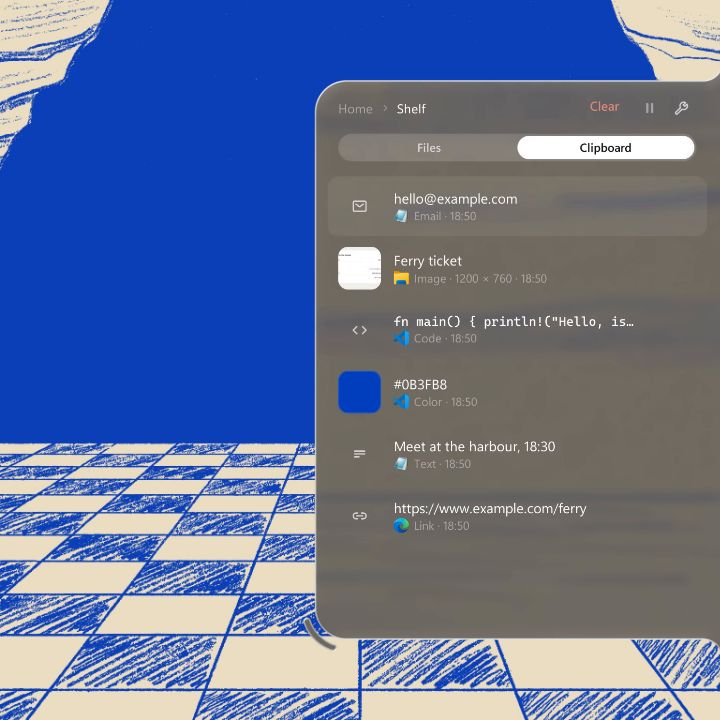
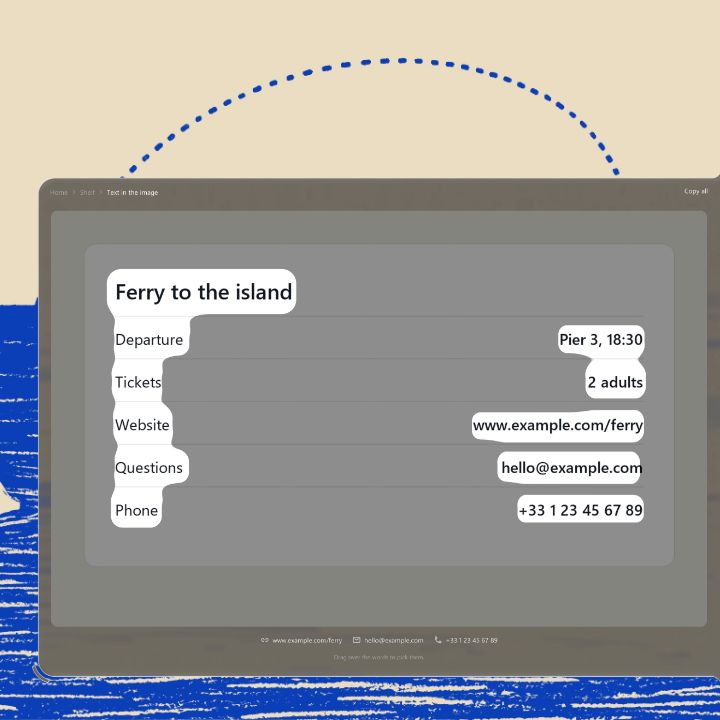
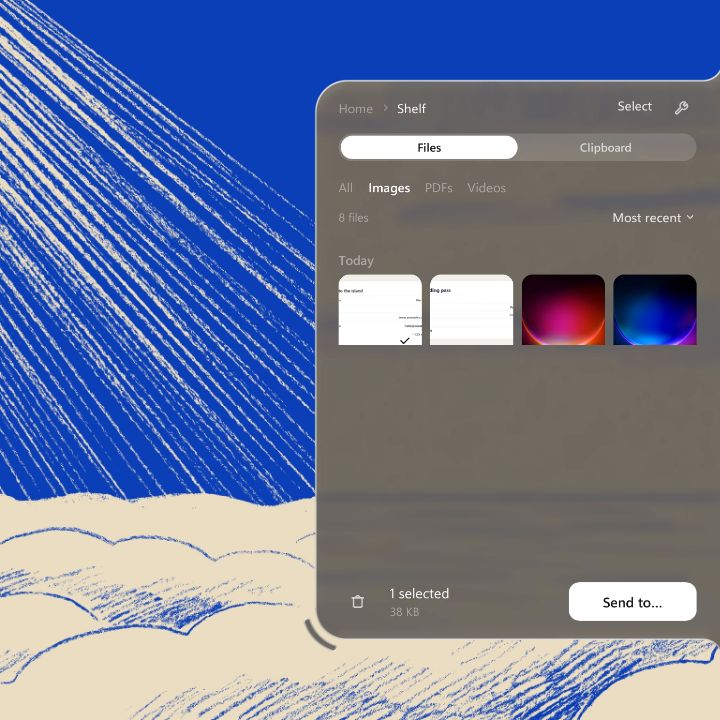
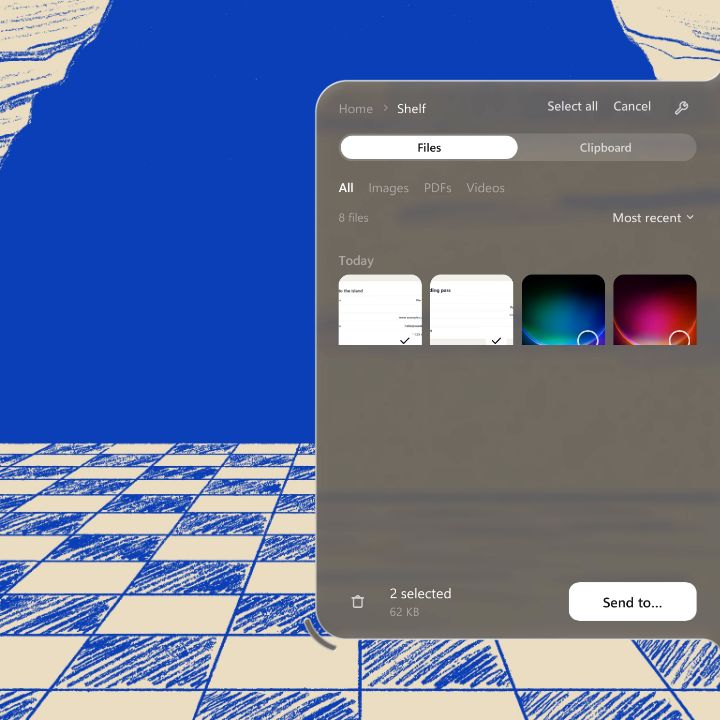
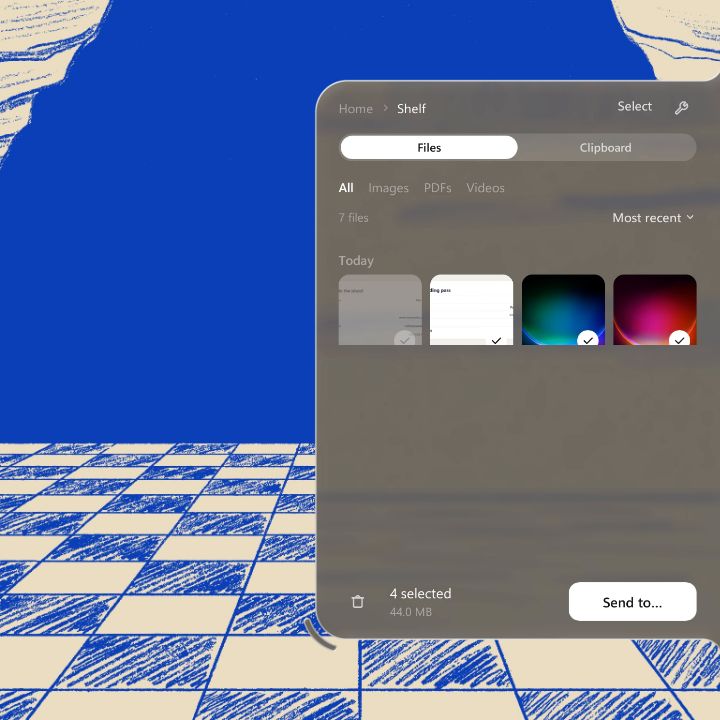
Files in transit and everything you copied, always first when the notch opens. Drop a file there and pick it up later, find something you copied an hour ago, take the text out of a screenshot.

Drop it now. Take it later.
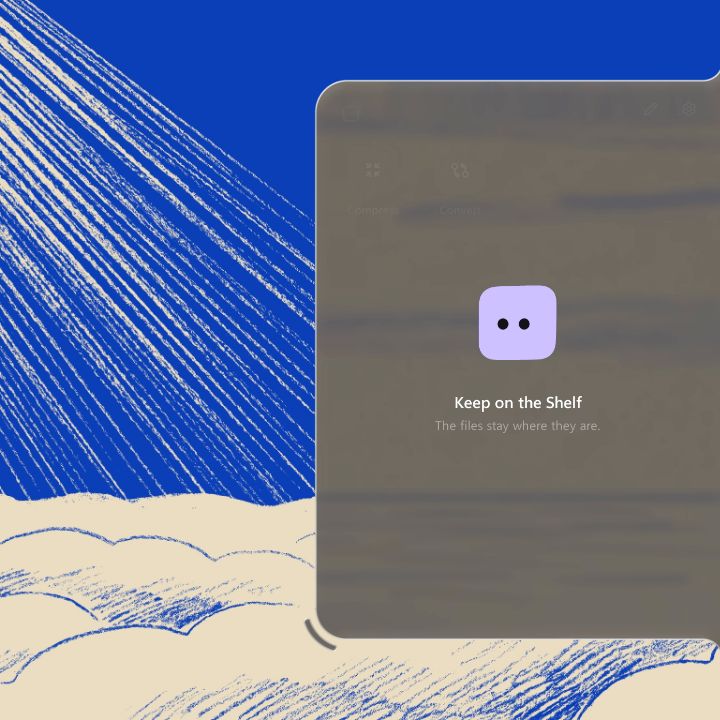
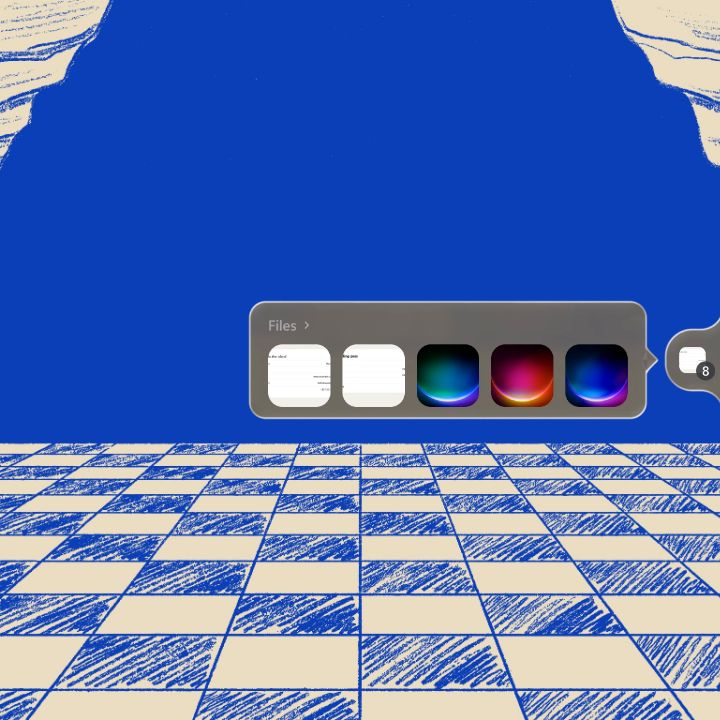
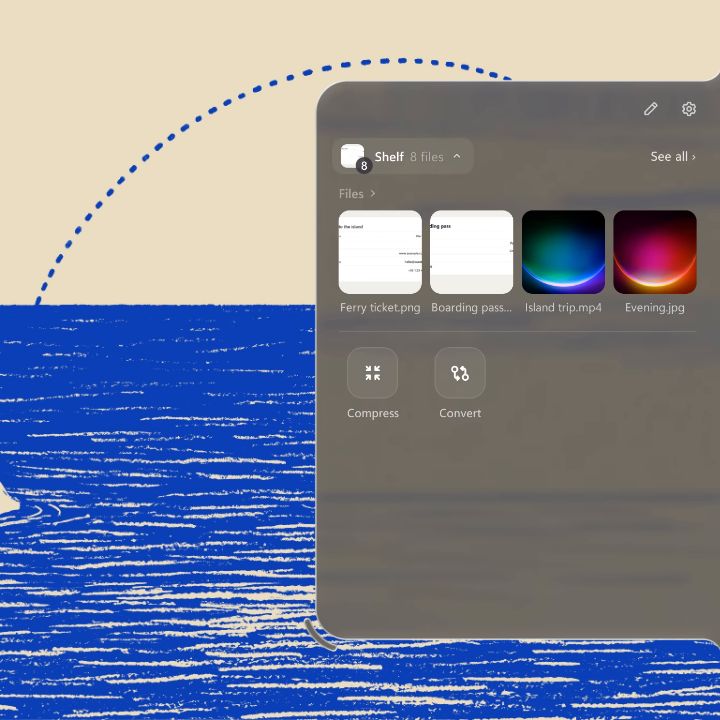
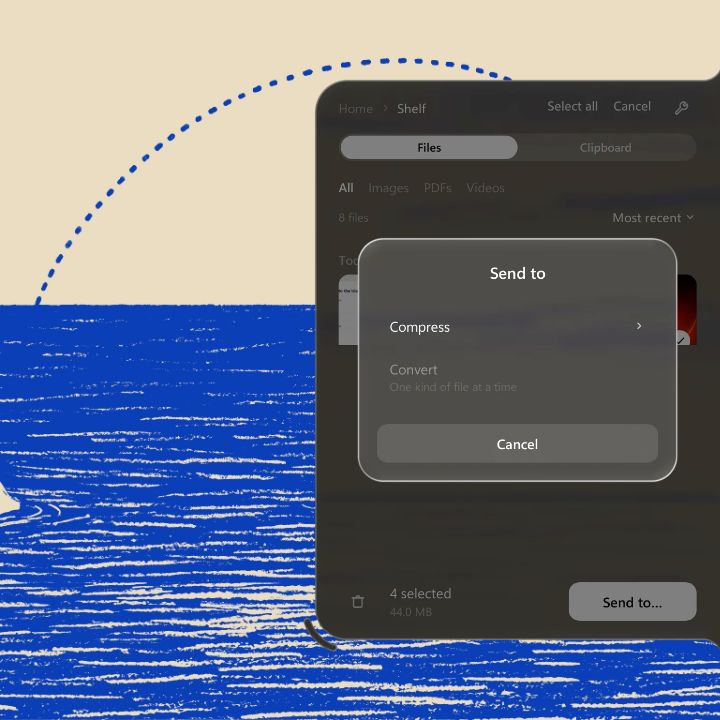
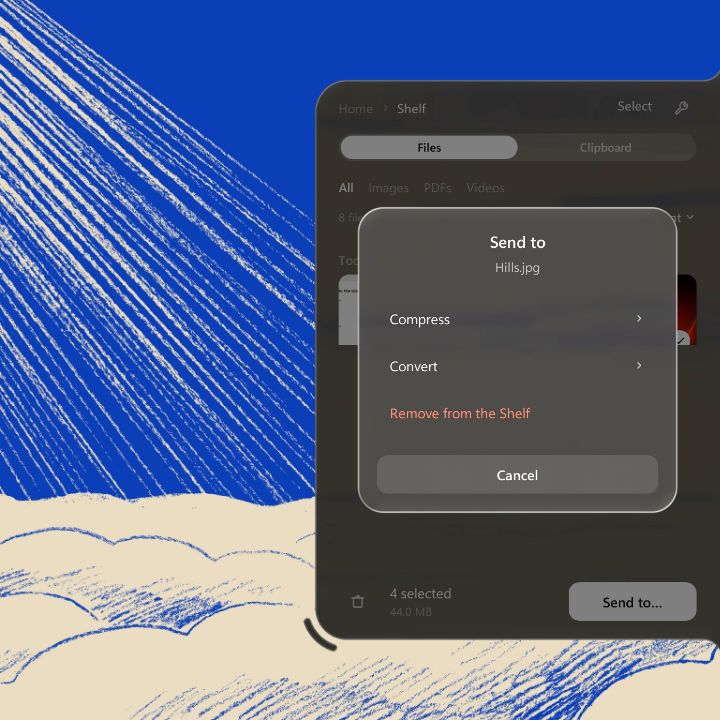
Drop files on the notch and they wait there, sorted like a gallery. Pick them up later: drag them out to a folder, a browser or a chat, or send them to a tool. The files never move: the Shelf only keeps a link to them.
Works offline

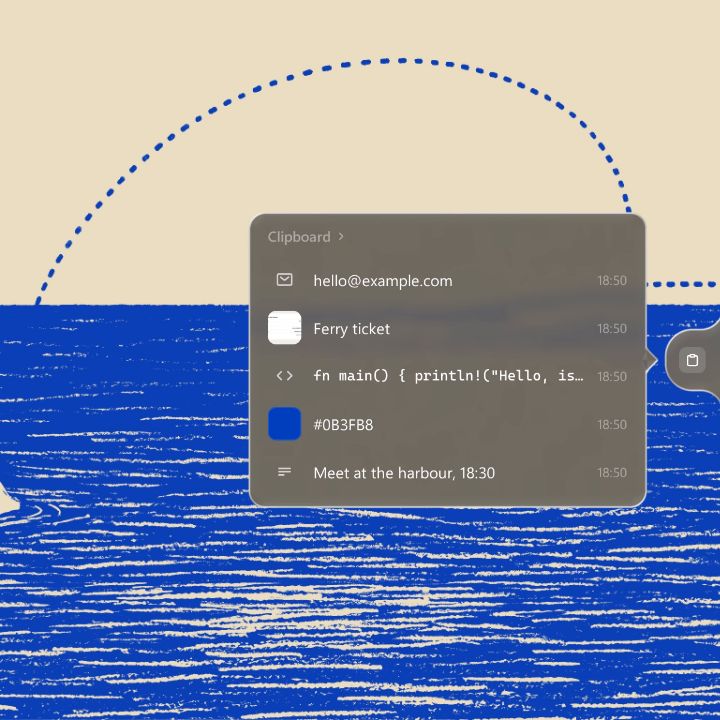
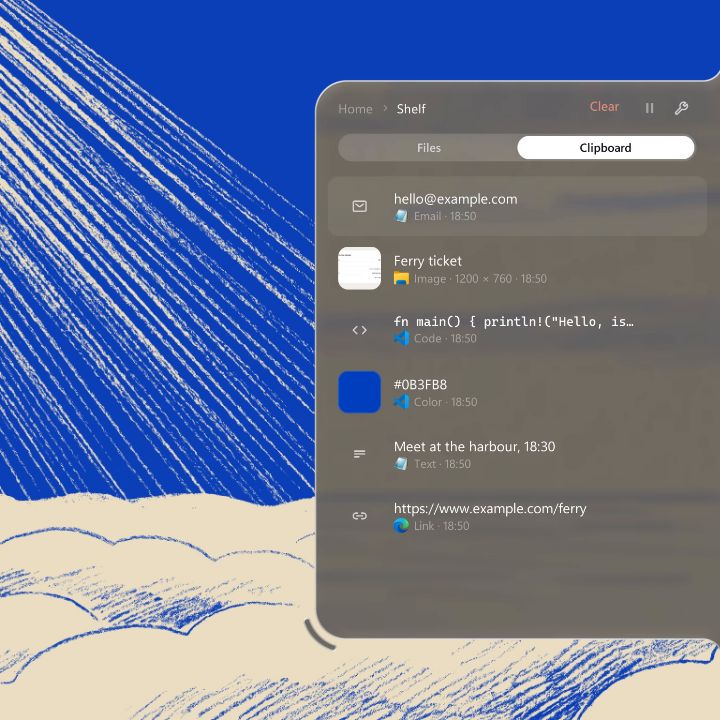
Every copy, one tap away.
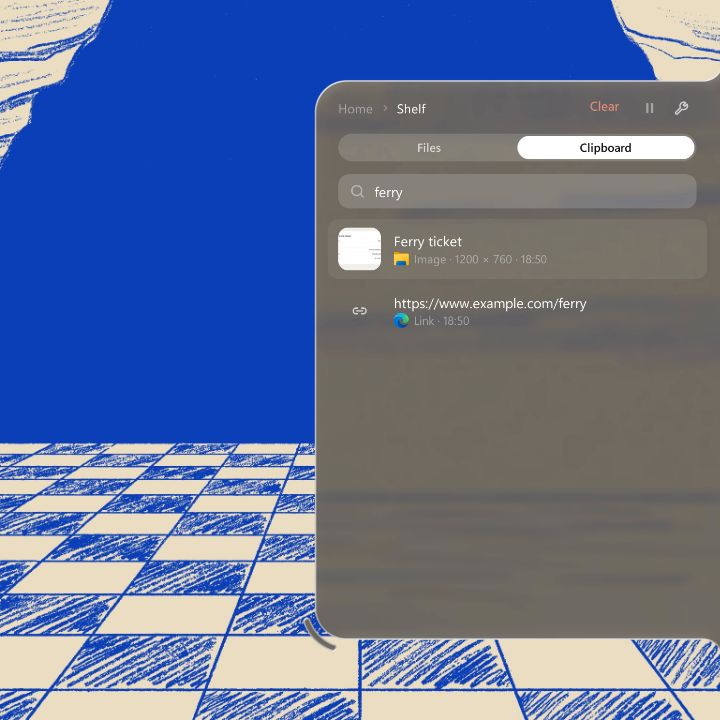
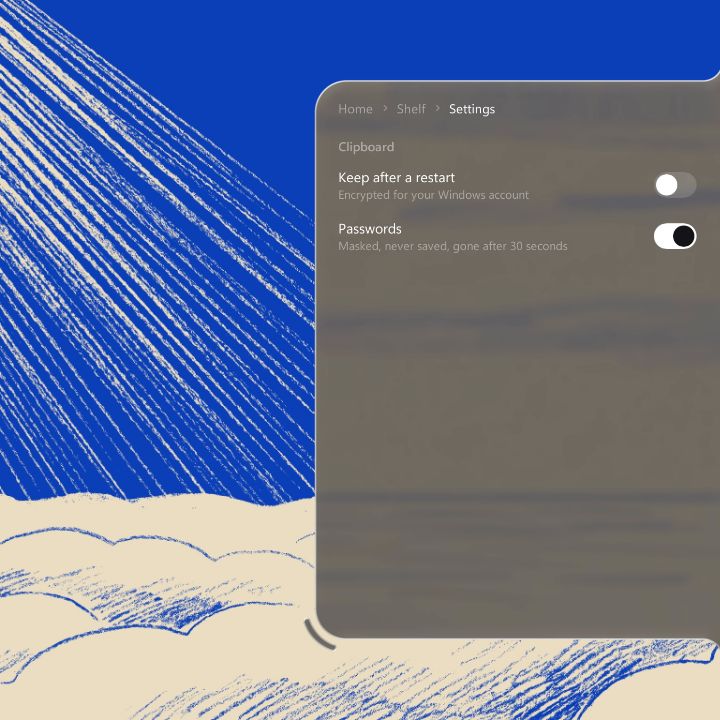
Everything you copy stays a while: links, notes, colours, code, screenshots. Tap one to paste it back, or press Win + Alt + V from any app. Search them, even the text inside images, and take the words out of any screenshot.
Works offline